Homelab Update 2026
Homelab Update 2026
unraidvmwareesxhomelabproxmoxnutanix
2539 Words // ReadTime 11 Minutes, 32 Seconds
2026-05-01 18:00 +0200
Introduction
It’s been almost a year since the last lab update, and a lot has happened since then. I did post all the updates on LinkedIn, but never on the blog. So it’s time to write down the changes again, since there have been changes in almost every area. I will divide the article into several categories: hardware, networking, and the software stack. But as they say, let’s not beat around the bush—just go for it!
Hardware
I’ve added quite a bit of hardware over the past few months, because nothing is as certain as change in a home lab.
Asus NUC
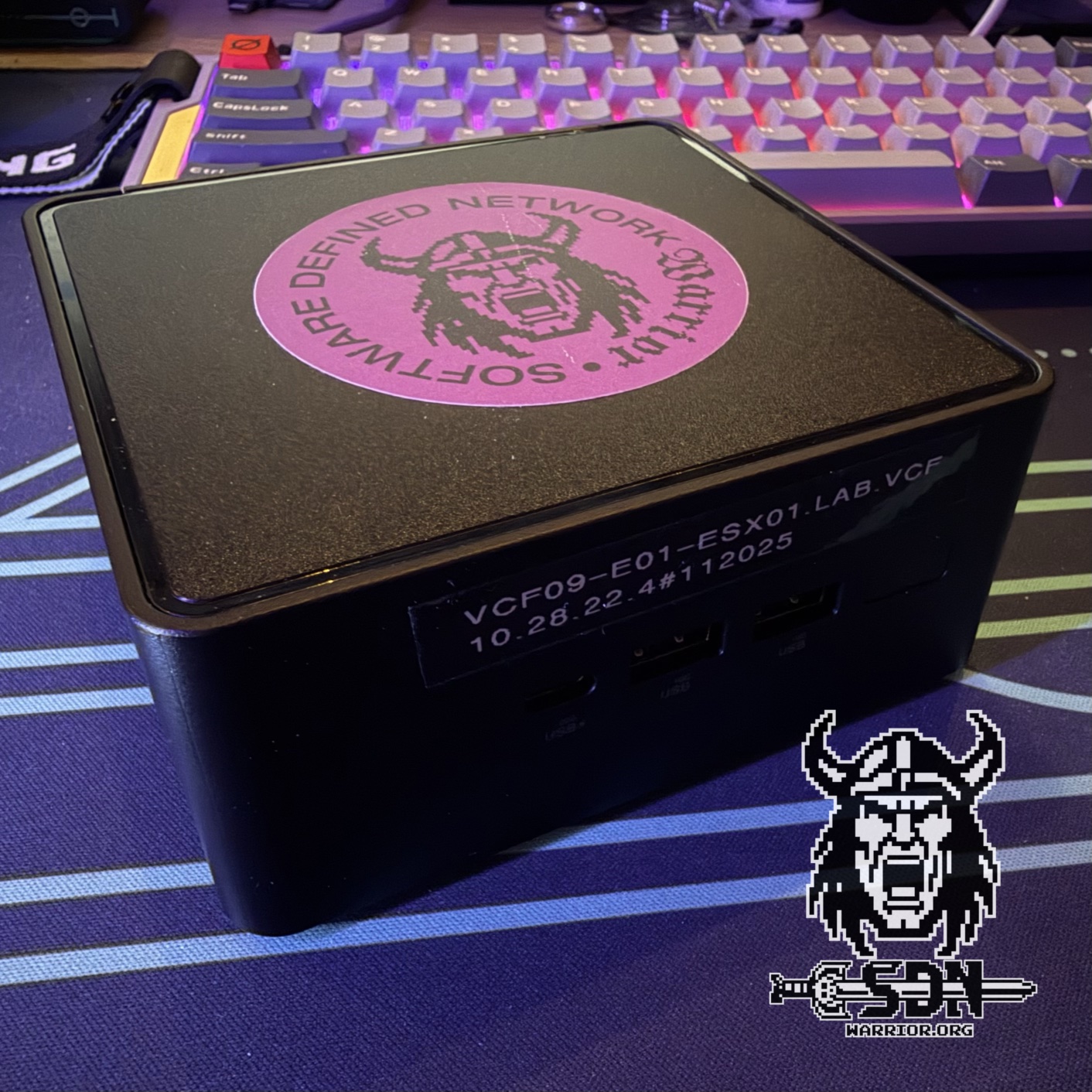
I’ll start with the 14th-generation Asus NUC with an Ultra 7 155H processor. This H model (High) complements my management NUC and allows me to easily run more always-on workloads. I bought the unit secondhand for about 300 euros and was able to use RAM and NVMe drives that were already sitting in my drawer. Readers of my blog are already familiar with this machine from my attempt to build a single-node VCF instance. The NUC can run with up to 128 GB of DDR5 RAM and consumes about 15–20 watts when idle, making it the perfect always-on node in my lab.
Would I buy the NUC again? Absolutely. For around 300 euros, this little box was—and still is—a no-brainer.
OPNSense DEC 740
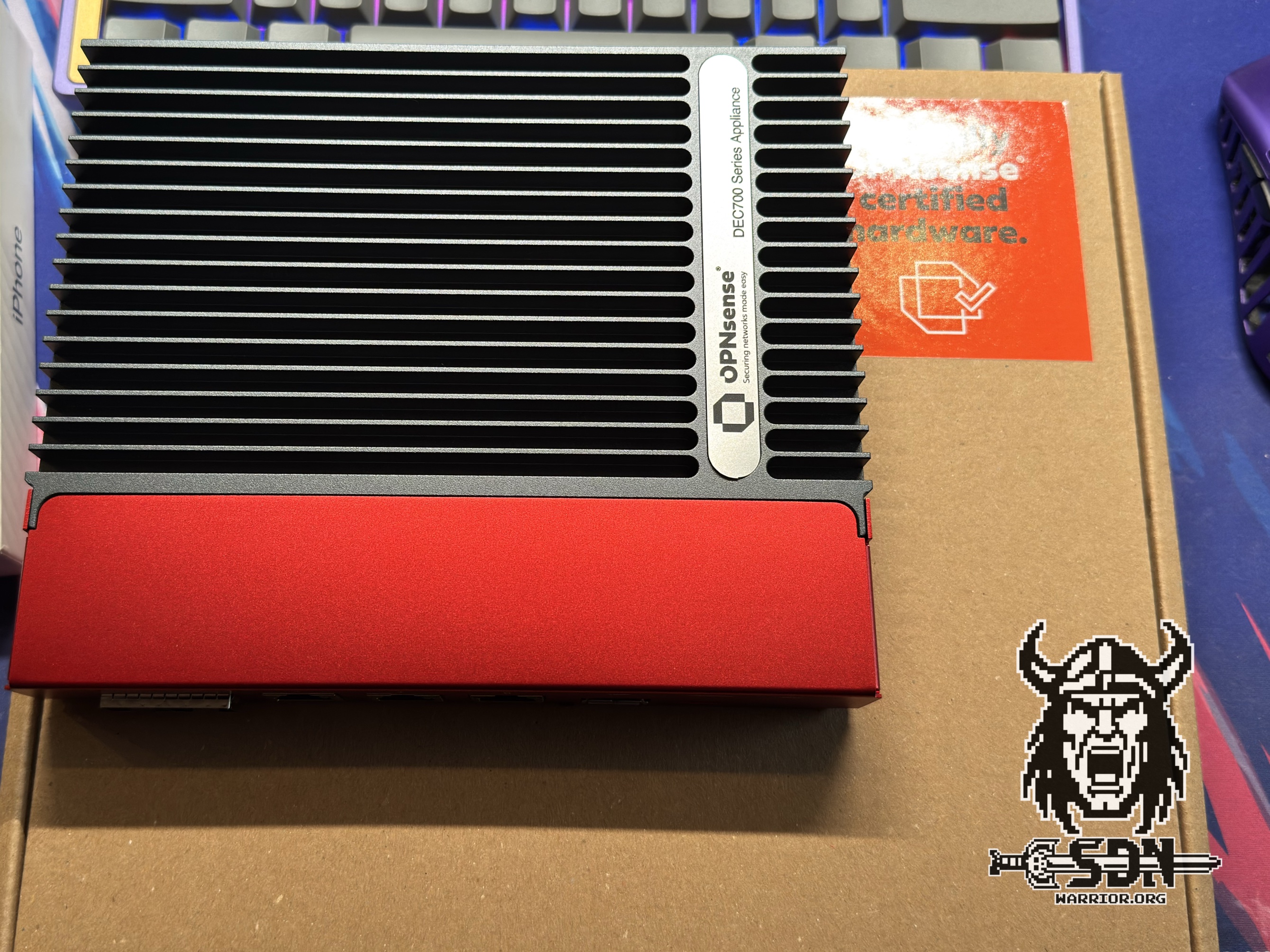
Next up was my firewall. For the past two years, I’d been using a Fortinet Fortigate 40F, but in the end, renewing the license was just too expensive for me. Plus, the firewall only had Gigabit ports. I swapped it out for an OPNSense DEC 740. This is an official OPNSense appliance from Deciso. It comes with a one-year subscription to OPNSense Business Edition, though I’ve since switched to the open-source version of OPNSense. The DEC 740 is based on an embedded Ryzen processor and comes with 4 GB of DDR4 RAM that’s easy to swap out—which I plan to do eventually, once RAM prices return to normal. The firewall is advertised with a 10 GB/s throughput, but this claim should be taken with a grain of salt, as the firewall’s port-to-port throughput is a maximum of 8.5 GB/s—which is roughly the figures I’ve achieved.
The appliance is fully passively cooled and therefore runs silently. With an average power consumption of 15 watts, it’s also quite energy-efficient. However, I’ve had—and still have—issues with the appliance. Even though the hardware apparently supports 9K jumbo frames and you can configure them, I’m only getting a maximum of 4K jumbo frames to work. After searching the OPNSense forum, I found several threads that confirm this. Since the hardware can handle 9K without issues with Vyos, it’s likely due to the OPNSense software.
Would I buy the firewall again? It’s a tough call. I like the design, build quality, and silent operation, but for nearly 900 euros, I could probably have built the whole thing myself with better hardware.
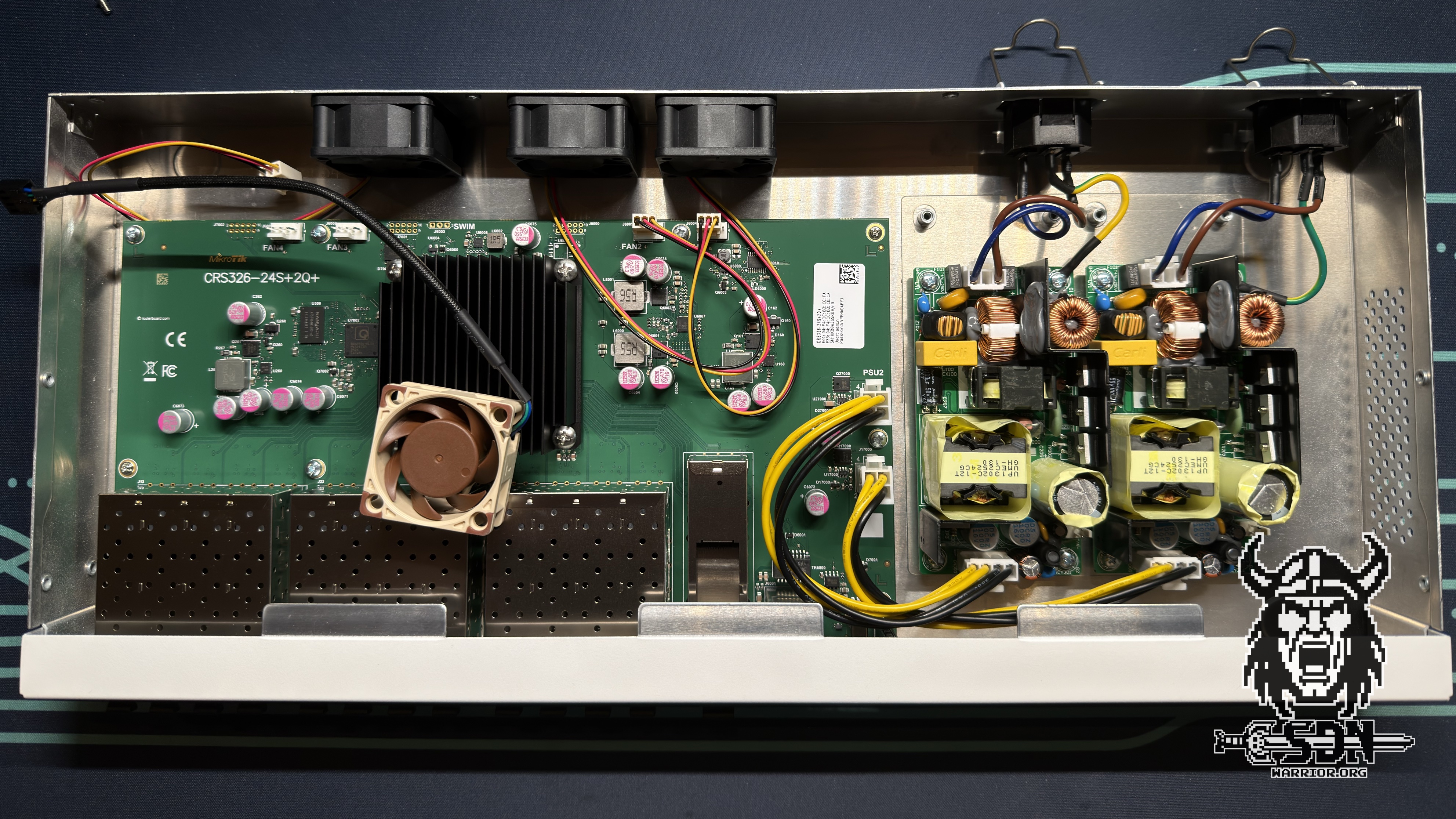
MikroTik CRS326-24S+2Q+RM
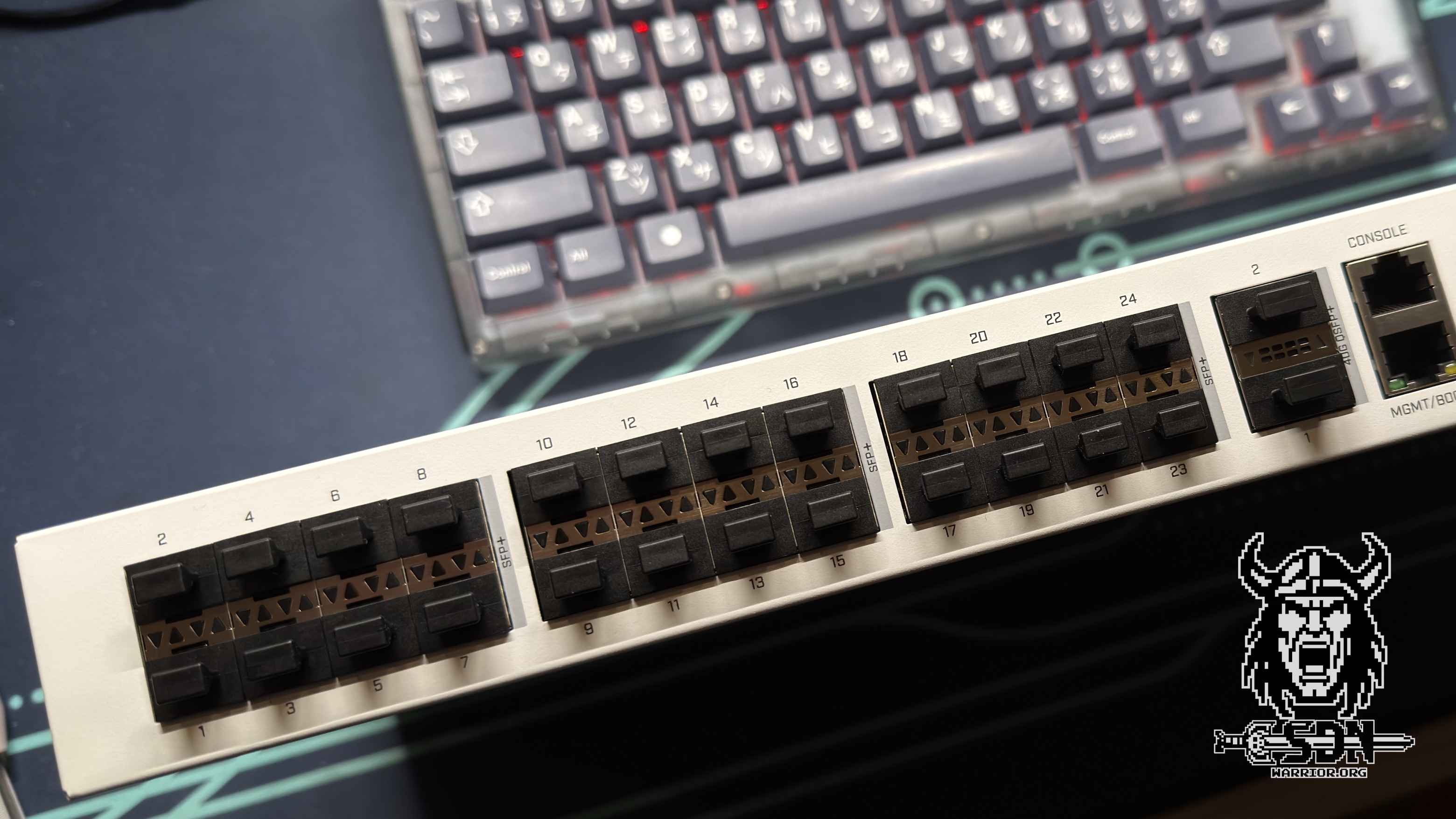
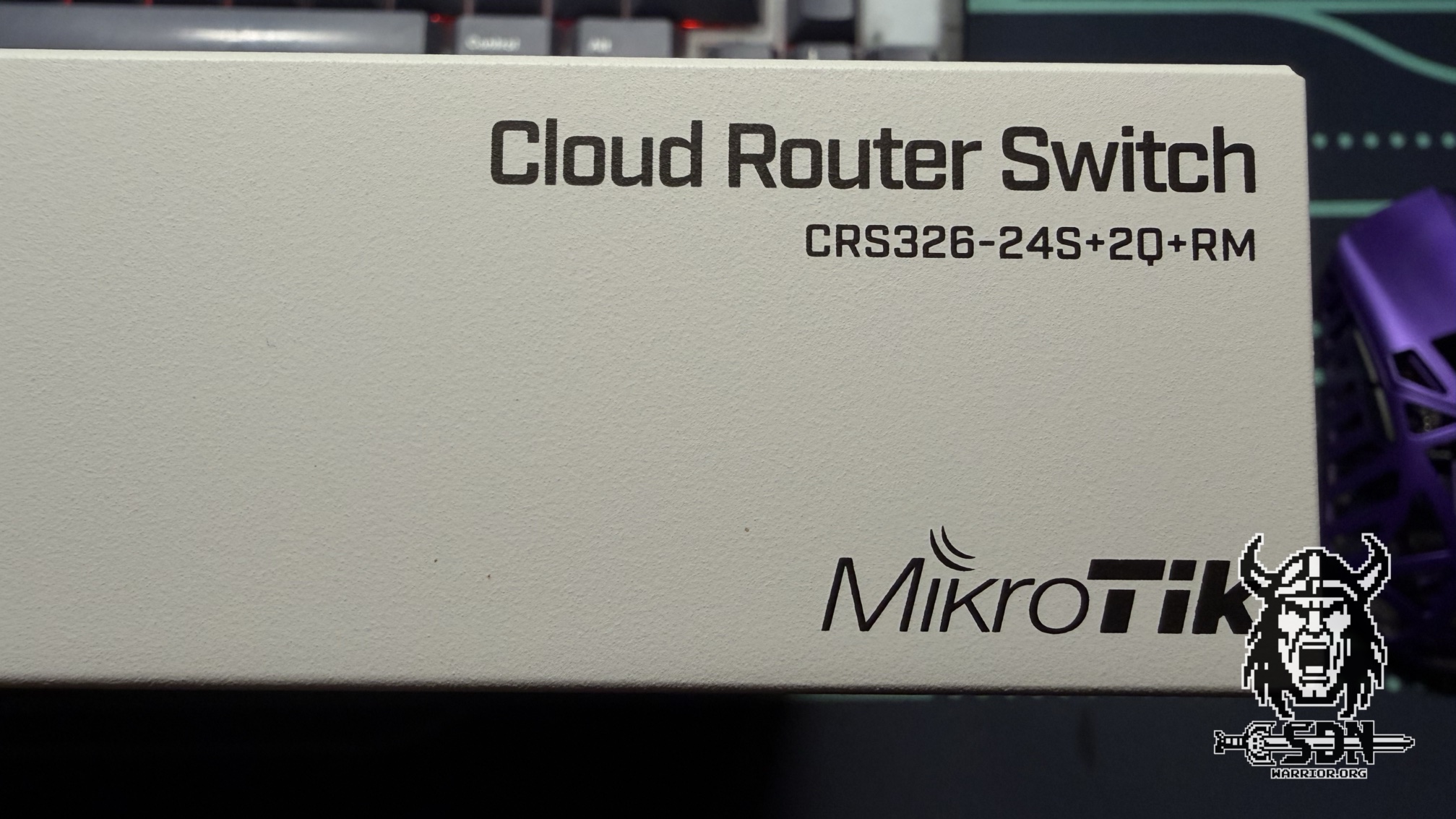
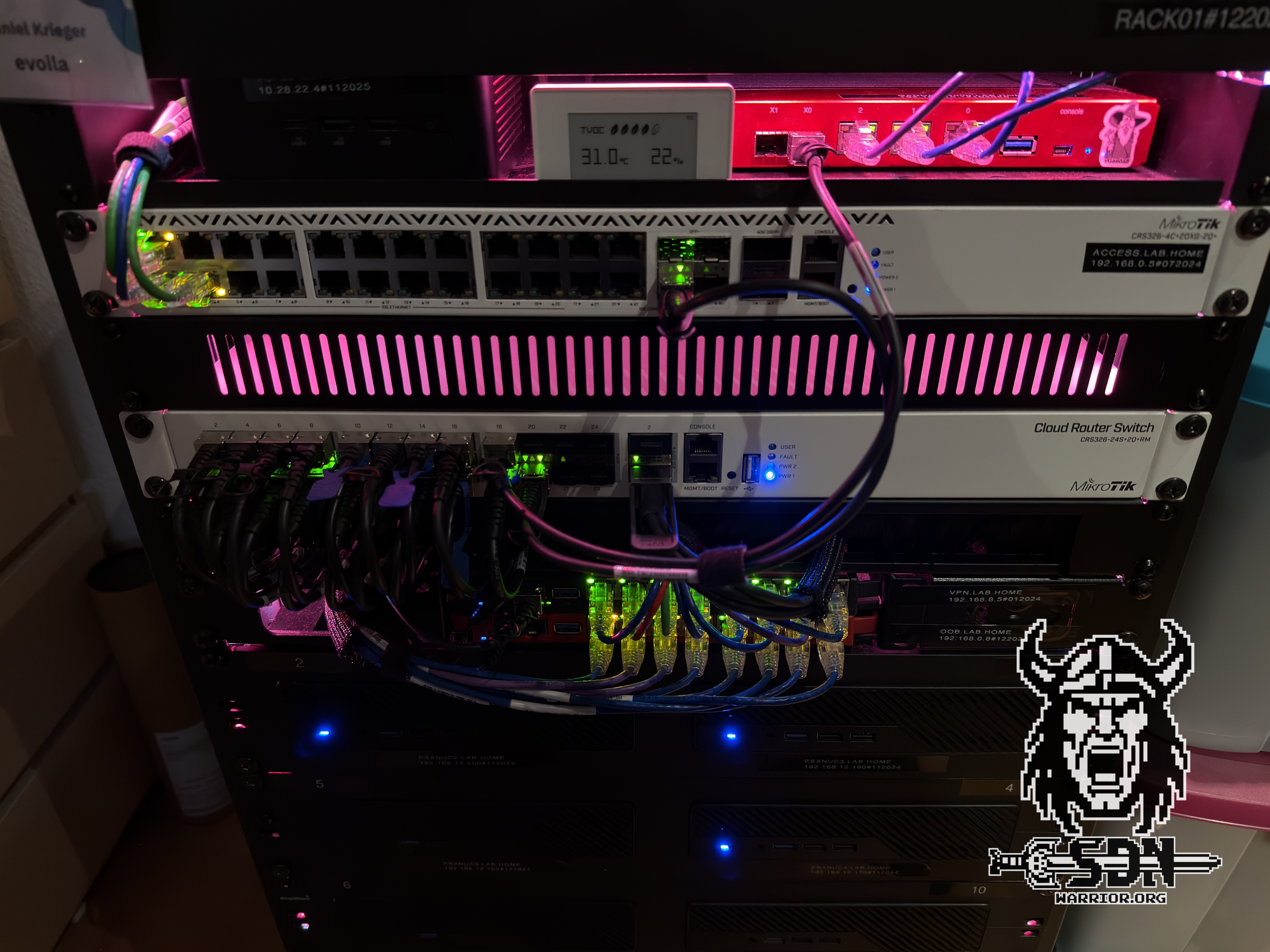
MikroTik and its names are a bit of a thing. I wanted to simplify my network setup and needed more 10G ports, so I bit the bullet and bought a supposedly very loud MikroTik switch for around 500 euros. The CRS326-24S+2Q+RM (MikroTik, please come up with different names already) comes with up to 32 * 10G ports and, unfortunately, has three very loud 40mm fans built in. While these can be temperature-controlled via RouteOS, they’re super loud and annoying. I therefore swapped them out for 3 Noctua NF-A4x20 PWM fans.
Thanks to the fan mod, the Switch has become pleasantly quiet; however, the fans run at 40–50% speed to achieve the same cooling effect as the original fans did at 20% speed. So far, this hasn’t been a problem in my lab, even when many servers are running and the ambient temperature in the rack exceeds 35 degrees. However, I don’t yet have any experience with how this will play out during a hot summer. That’s why I’ve kept the original fans in my spare parts drawer. Otherwise, the switch does what it’s supposed to do: fast and reliable Layer 2 switching. The routing performance is terrible, but it’s primarily a Layer 2 switch. I handle routing differently—more on that later. Would I buy it again? Absolutely.
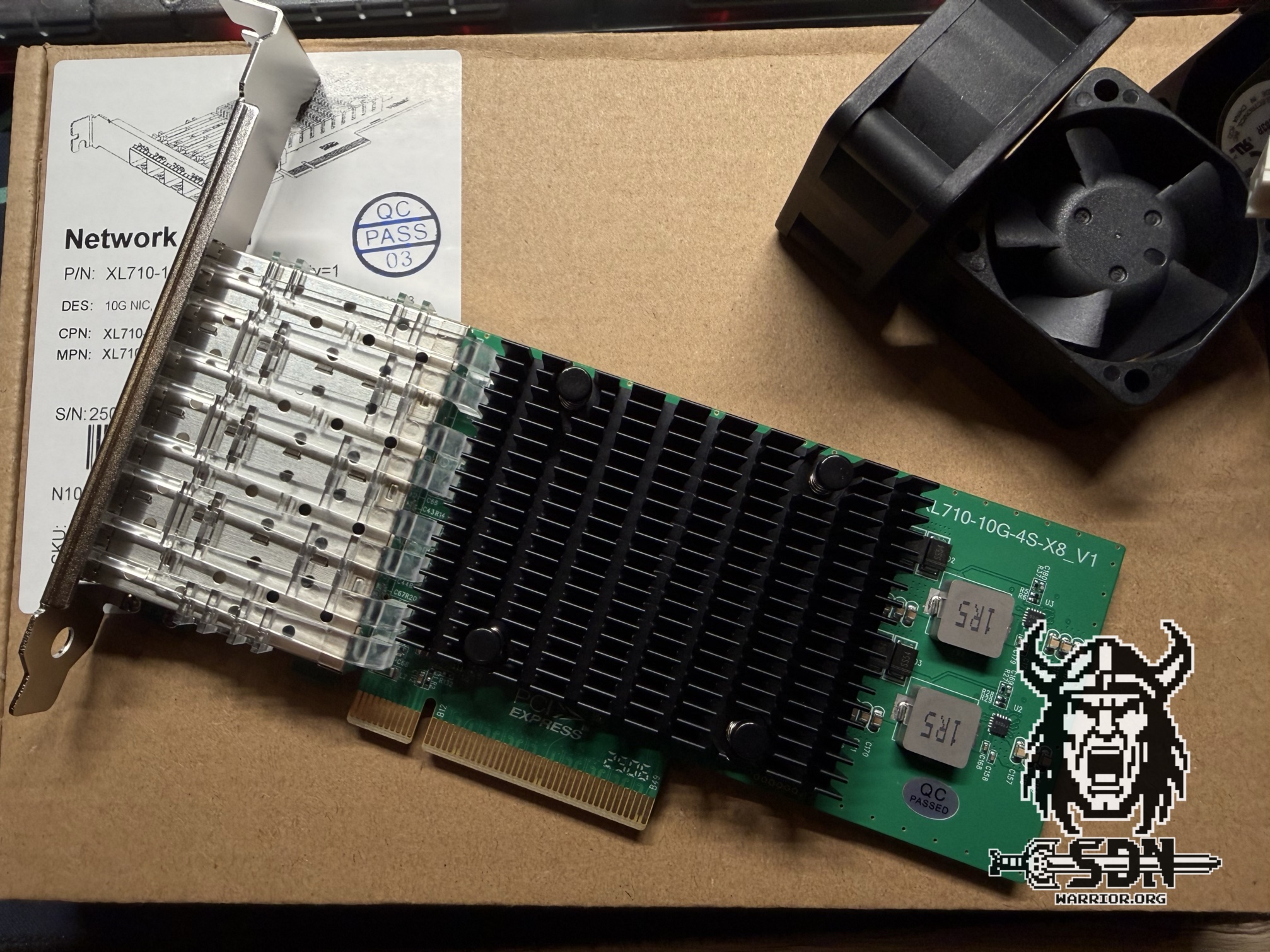
10Gtek Quad SFP+ Network Card
For my Unraid server, I purchased a quad-port card from 10Gtek based on the Intel X710 chip for 135 euros. My Unraid server is based on a NUC 11 Extreme and, unfortunately, only has one PCIe slot. Since my Unraid server will also handle routing for my lab and provide NFS in the future, I wanted to have more ports. It was actually quite difficult to find a used quad card, so I decided to try the 10Gtek. I was already familiar with the manufacturer from my DAC cables, which were always affordable and reliable. I had tried a dual 40G card in my Unraid server in the past, but it overheated. The quad card with 4x10G works flawlessly in my Unraid. Two ports are in LACP for my Unraid NFS, and two ports are passed through to a VM via PCIe passthrough.
Would I do it again? After several months of trouble-free use, I can say it was the right decision. Unfortunately, it seems the card is no longer available for purchase.
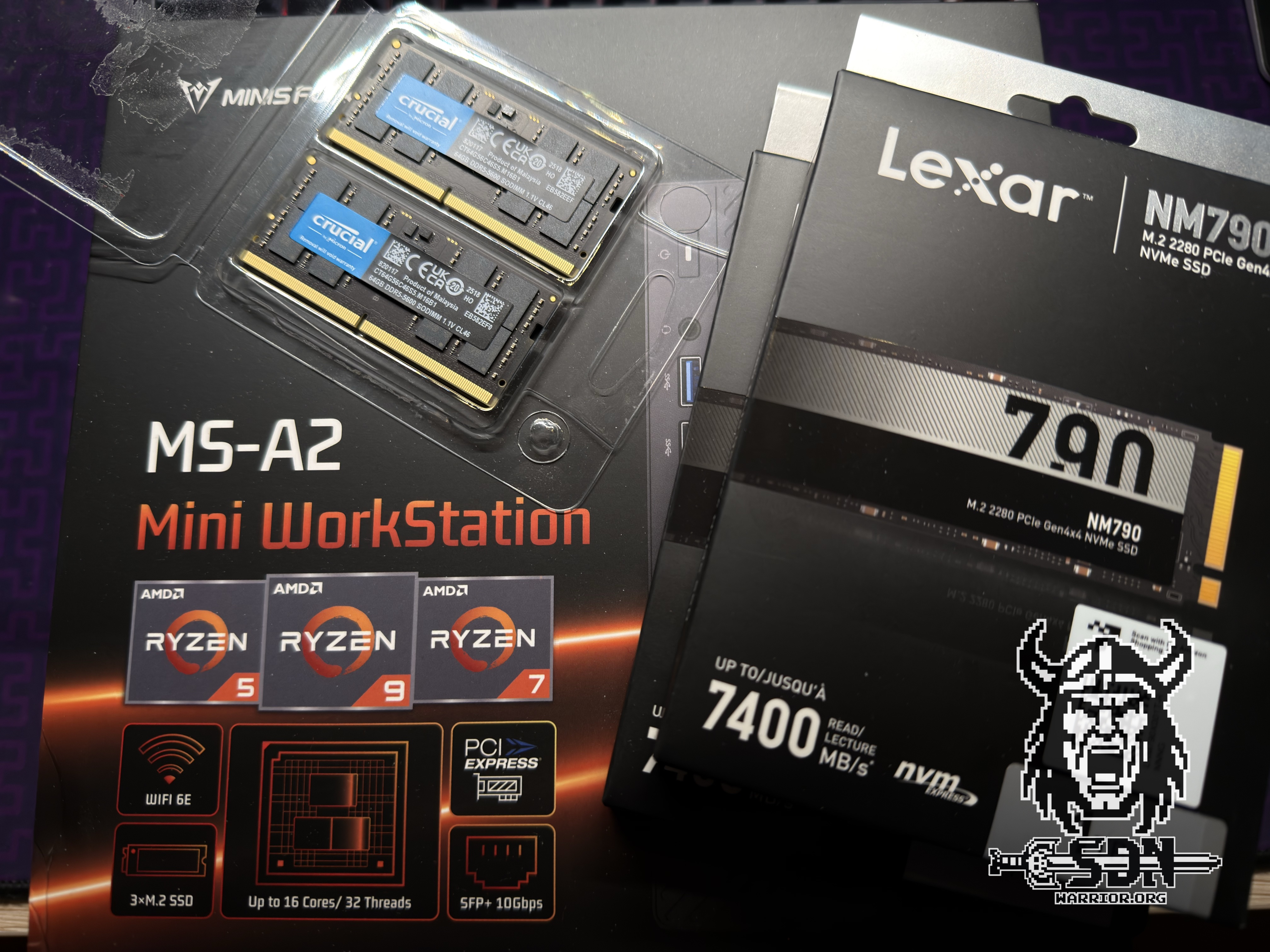
Minisforum MS-A2
Next up was a third MS-A2 with Ryzen 9 9955HX. This node adds extra computing power to my VCF9.X cluster. As far as I’m concerned, it’s still one of the best Minisforums you can buy. I don’t think I need to say much more about the MS-A2; if you’d like to read a detailed article about it, you can check it out here. Whether I would buy the box again isn’t really a question here, because I just did so in March 2026.
Minisforum MS-02 Ultra
This is the latest addition to my lab, and as I write this, my unit is still in transit. That’s why I can’t say much about it yet. I also don’t know 100% what I’ll do with it, but it will likely be a KVM-based node—something like Proxmox, Unraid, Nutanix, or something entirely different. I might send it back if it doesn’t meet my expectations. In any case, I’m really curious about the MS-02 Ultra.
Networking
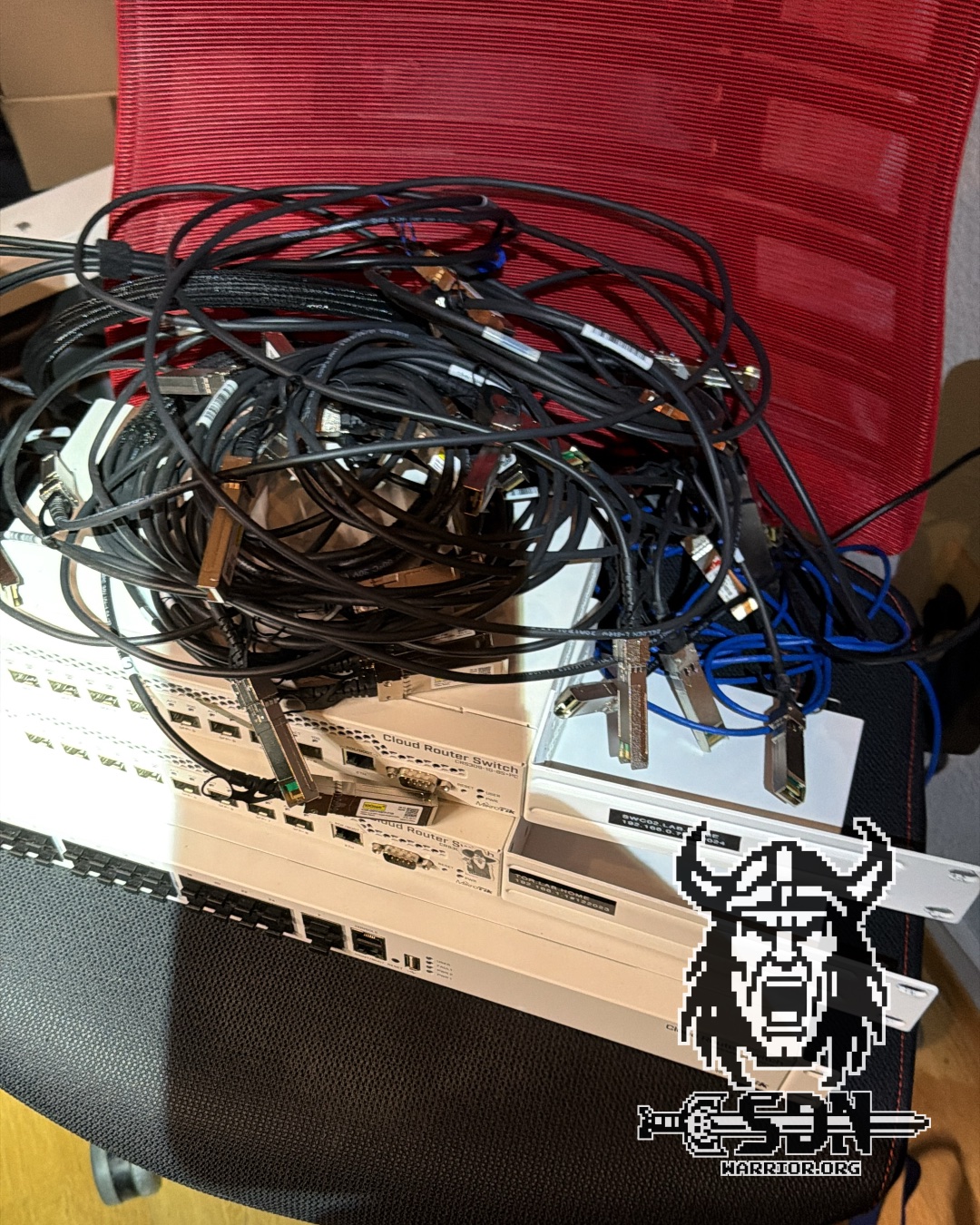
There have also been a lot of changes to my network. I rewired the entire rack and greatly simplified the physical network. In my old setup, I was using two MikroTik CRS 309s, one as an L2 switch and one as an L2/L3 switch. While the hardware offloading on the MikroTik CRS 309 ensured that I had 10 Gb/s routing performance, I occasionally had issues with the ARP table—specifically, MAC addresses weren’t being properly cleared, resulting in the same MAC address appearing on two switches. This primarily occurred during vMotion processes. Furthermore, the 10G ports were a major compromise, and the servers were connected across three switches.
In my new setup, there are really only two switches left—if you don’t count the 1 Gb/s switches. Those aren’t for the lab; they’re for access points, smart home bridges, and all the other stuff that runs 24/7 and needs network connectivity. All my servers are now connected to the CRS 326 via dual 10 Gb/s network (I won’t keep writing the full name—it’s enough to drive you crazy). For ESX servers, they’re configured as standard trunk ports; for other systems like my Unraid or my Nutanix cluster, Layer 4 LACP bonds were created. If I include the new MS-02, my CRS 326 still has a full 3 10 Gb/s ports free. For lab servers that only support 2.5 Gb/s, such as my two NUCs or my backup NAS, I’m still using my Mikrotik CRS326-4C+20G+2Q. This is a 24-port 2.5 Gb/s switch that also offers 4x10 Gb/s and additionally supports 2x40 Gb/s QSFP. It’s a great switch, but sooner or later I’ll probably replace it with a smaller, more energy-efficient alternative, since I no longer need that many 2.5 Gb/s ports. The days when my lab consisted of 10 NUCs are definitely over.
But you’re probably wondering, “Where are you doing the routing, Daniel?” And that’s where the Quad network card comes in. On my Unraid server, I’ve connected two ports via PCIe passthrough to a virtual MikroTik switch. For about 80 euros, you can get a lifetime MikroTik CHR (Cloud Hosted Router) RouterOS license that can route 10 Gb/s per interface. Together with the pass-through, my virtual router handles this with ease. If more capacity is ever needed, you can get an unlimited license for about 200 euros. My virtual router is equipped with 2 vCPUs and 2 GB of RAM and doesn’t even come close to using them all. Of course, I could have done this with VyOS as well, but since my Ansible setup was already fully optimized for MikroTik, it was the simpler choice for me.
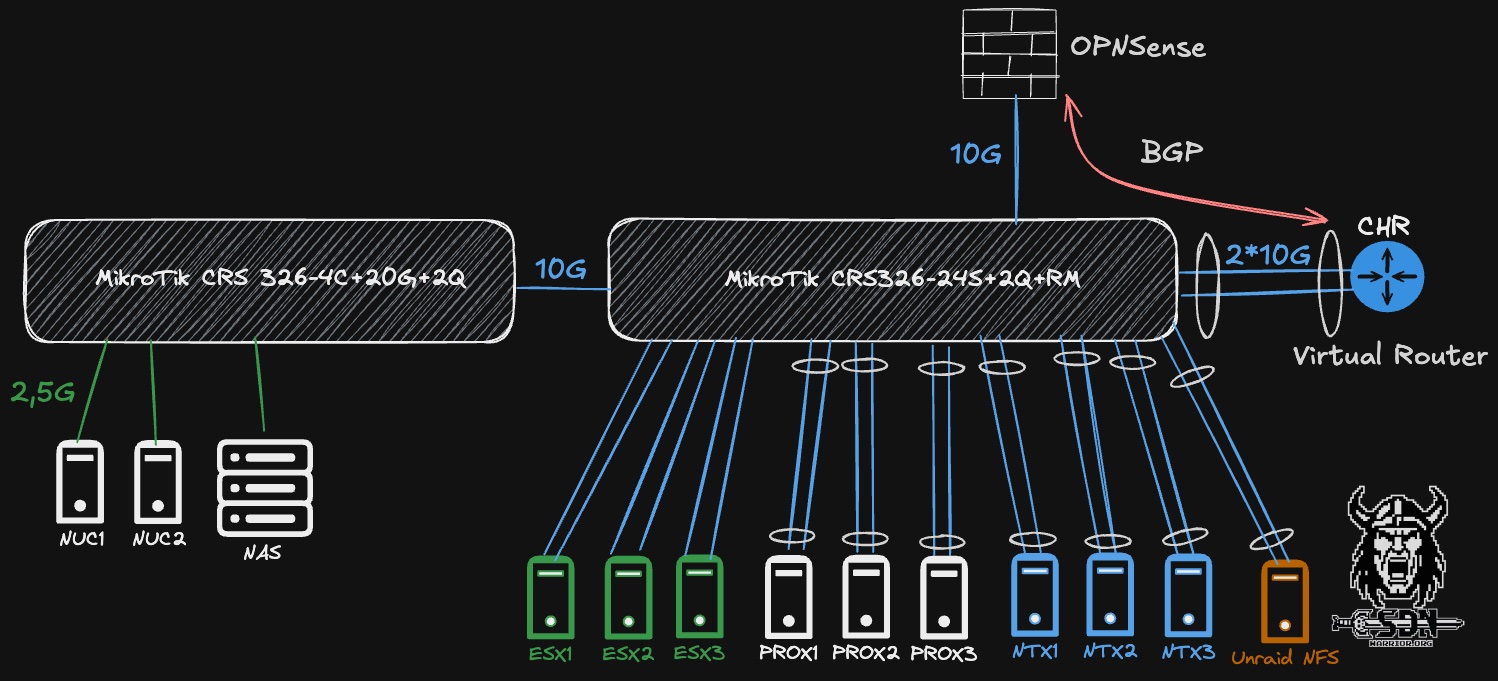
I route all networks relevant to my lab through my CHR (the exception is NFS, which I set up as an unrouted VLAN in my labs). I route all other networks through my OPNSense, and thanks to 10 Gb/s, I have more than enough bandwidth there. My OPNSense has a BGP peering connection with my virtual LAB router, and that’s also how I access my lab environment. If this connection is disrupted, I can simply connect to the virtual LAB router via the Unraid KVM console and resolve the issue directly. This setup has paid off for me. I have fast routing performance, a simple network setup, and the router can be easily expanded if more resources are needed.
Software stacks
Nutanix CE
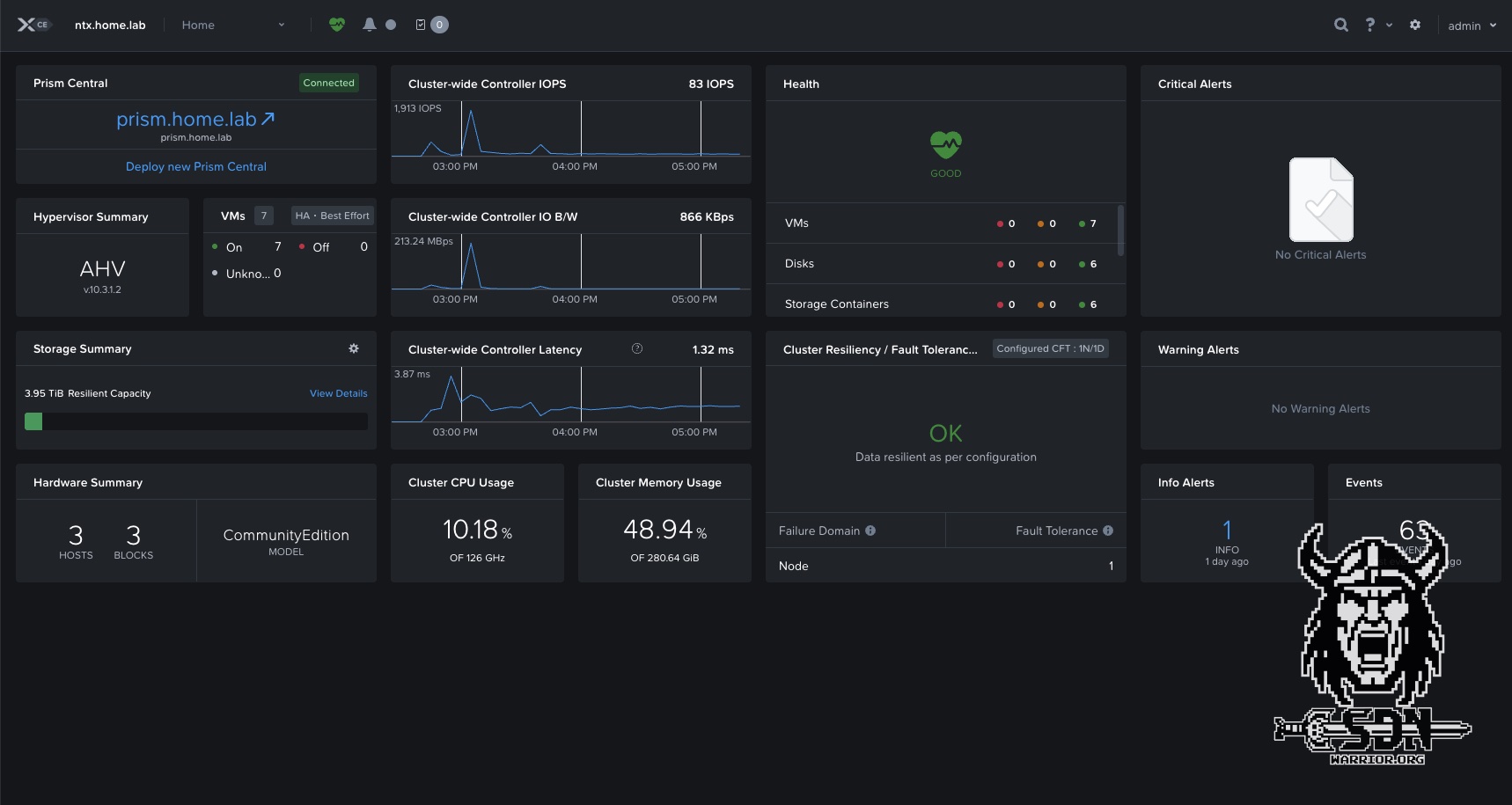
But let’s move on to the final point—software stacks. Some of you may have noticed, but I’m no longer using VMware exclusively. This year, I was recognized as one of the few German MCXs (Nutanix Multi-Cloud Experts), and for that reason—or because of it, depending on how you look at it—I’m currently running a 3-node Nutanix cluster. This runs on three MS-01 servers, each with three NVMe drives and 96 GB of RAM per host. If you’d like to read exactly what I’m doing with it, you can check it out here.
Proxmox
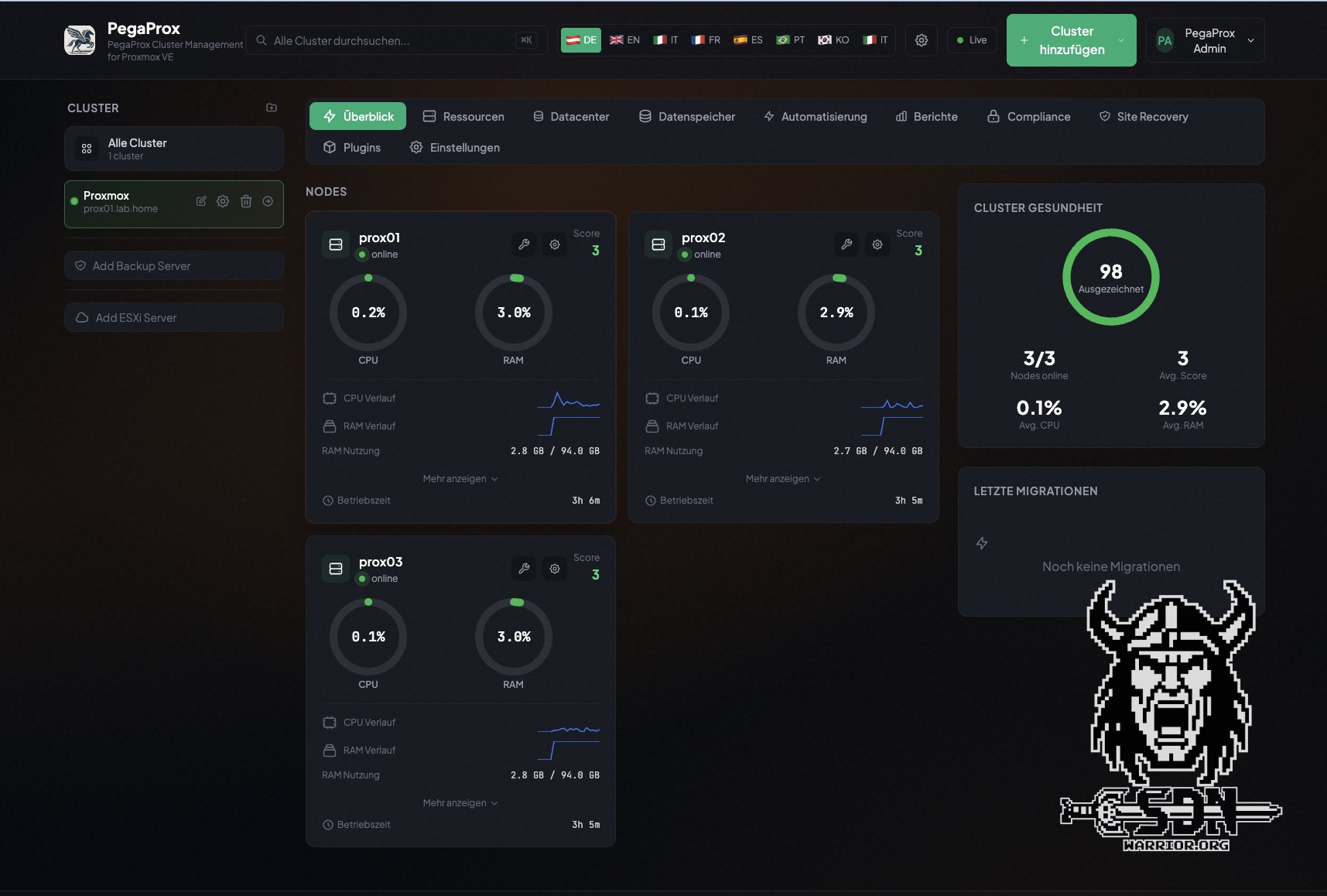
For the past few weeks, I’ve also been running a Proxmox 3-node cluster on three MS-01 nodes. However, these nodes only have a small local NVMe drive and 96 GB of RAM. That’s why I’m using NFS instead of Ceph for storage. I’m currently testing Pegaprox for management, but the entire setup is still a work in progress. I’ve already conducted the first migration tests from VMware to Proxmox, but the whole thing hasn’t reached a level of maturity where I could write an article about it yet. In any case, I plan to use it for some SDN tests and other experiments.
VMware VCF 9.X
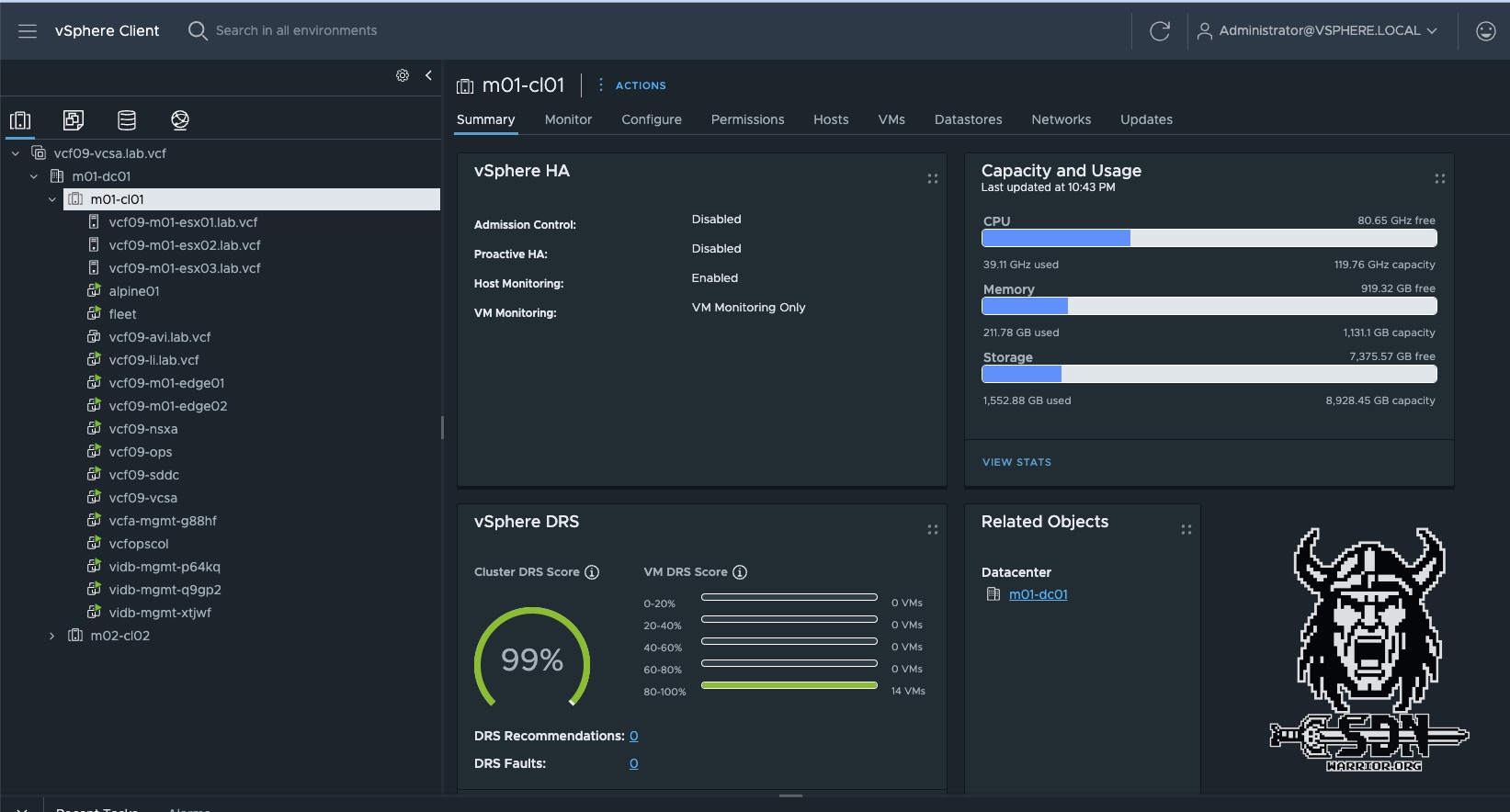
On my three AMD MS-A2 nodes, I am running a currently unspecified version of VCF 9 (the version that must not be named). The cluster runs on 3 x 128 GB RAM and 2 NVMe drives, one for memory tiering and one for local storage. This cluster also serves as my solution lab for the Broadcom Knight. Workload domains are typically set up as nested environments and will likely run on Proxmox hosts or on the MS-02 Ultra in the future; I use NFS as my primary storage.
VMware ESX 9 Managment Cluster
My management cluster is always on, while the other clusters only run when needed (electricity is expensive). These are currently running on ESX 9 and are licensed via VCF licenses, though it’s not a VCF setup. For this, I simply have a VCF Operations instance, a vCenter, and ESX 9—that’s basically the bare minimum required to use a VCF 9 license. Thanks to VMUG Advantage, this isn’t a problem for me. However, I’m seriously considering switching to Proxmox here, not because I’m unhappy with ESX 9, but rather because of the P/E cores issue, since with my Ultra 7 NUC CPU I can only use 16 cores / 16 threads instead of the 22 threads I have with Proxmox (Hyper-Threading isn’t supported with ESX/Nutanix if the CPU has E/P cores).
MS-02 Ultra
To be completely honest, I haven’t decided yet what I’m going to do with this host. I might use it to replace my trusty old NUC Extreme and run Unraid on it. That would be a really nice CPU and performance upgrade. Alternatively, I’m thinking of building a pretty powerful standalone host with it—one that can really get things done with 256 GB of RAM. Maybe I’ll also install a graphics card and try my hand at some AI workloads. All in all, it’s still completely unclear what I’ll do with it and how. When it arrives, I’ll put it through its paces first, and I’m curious to see how it stacks up against the MS-A2, especially in terms of CPU performance and noise levels. Sometimes you just have to buy the hardware even if you don’t yet have any idea what you want to do with it. The use cases will come naturally. Please don’t try this at home—I enjoy making financially reckless decisions.
Unraid
My Unraid hosts a handful of KVM-based VMs, including my lab router, one of my two Windows domain controllers, and a Ravada VDI. Unraid was the first system I ever had in my home lab, and it will probably be the last. For many years, it has provided me with SMB shares, NFS, iSCSI, and all my Docker containers. I think the system has already gone through at least five different hardware configurations, from an old dual-core notebook to a custom-built computer with a SAS controller, up to its current form. It’s my faithful companion, and even though Unraid has its quirks, I really like the system. I’ve already dedicated a separate article to my Unraid server, which you can read here.
Final words
It was time for another update post; I still haven’t updated my BOM, but I’ll probably get to that over the next few weeks. At the same time, I’m continuing to work on improving my blog theme, since it no longer quite meets my standards. Most recently, I added a gallery feature and a search function to the post page. A comment feature is still on my to-do list, even though I don’t yet know how to actively prevent spam. Also, because of the search function I built, the tag view no longer works—it’s not a big deal, but it still bugs me. I hope you enjoyed this little Lab update and that it has inspired you to create your own Lab.
Other than that, all I can do is say thank you for the support I’ve received over the past few weeks and months, and for all the new followers.